

さよならララnow
S01E08 airs in 15 minutes.
For iPhone, iPad & Mac
AniShelf is a library for anime series and films. Track every episode, score and remember what you finish, and get a nudge when the next one airs.
Vol. 01Collect
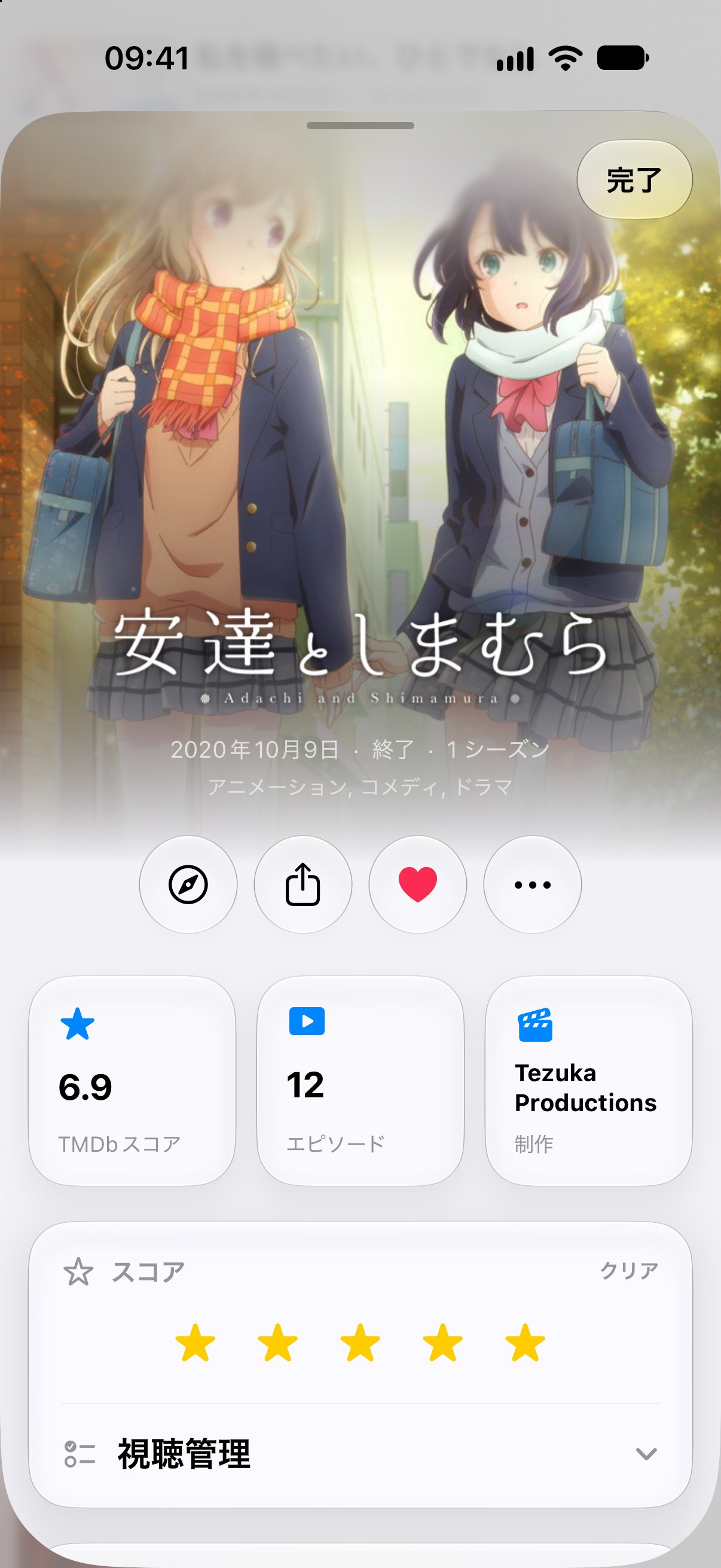
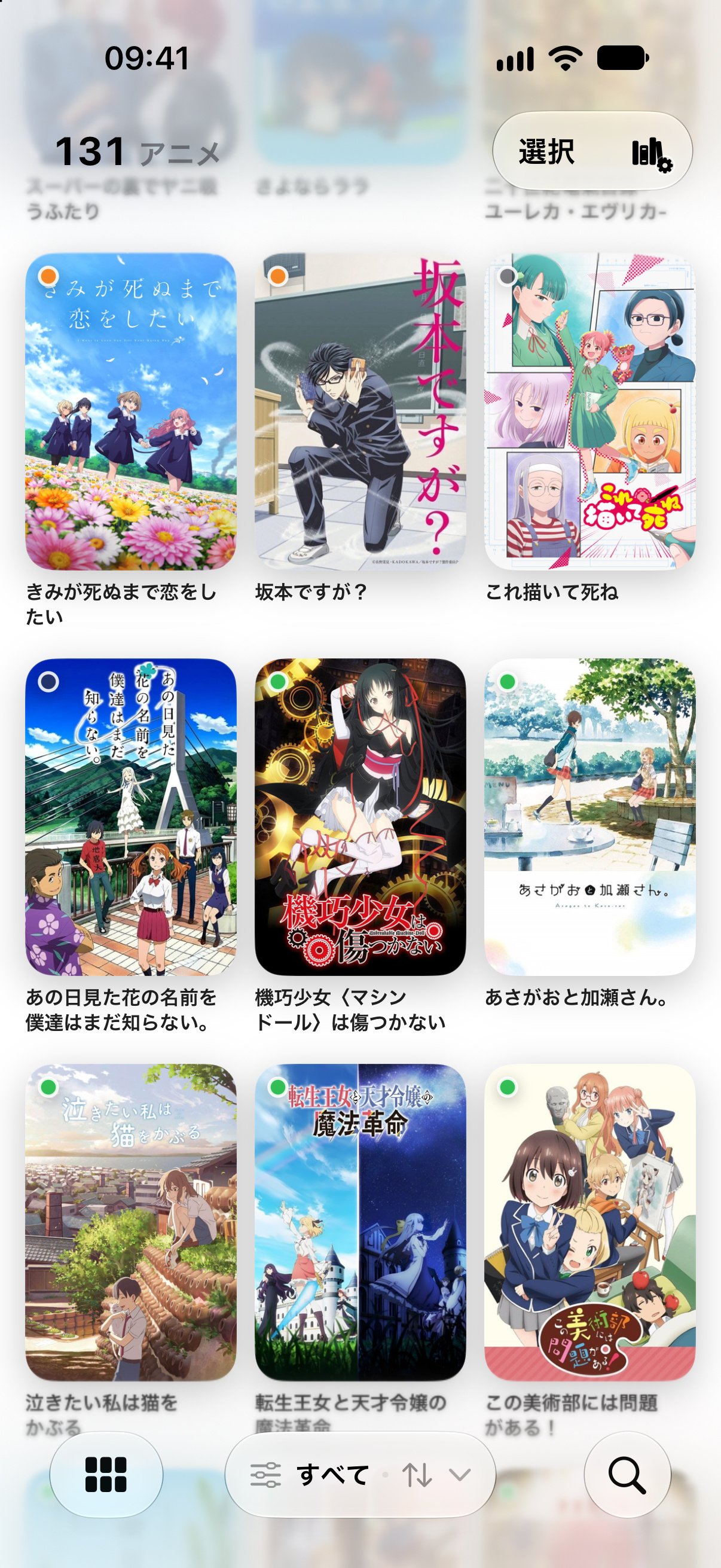
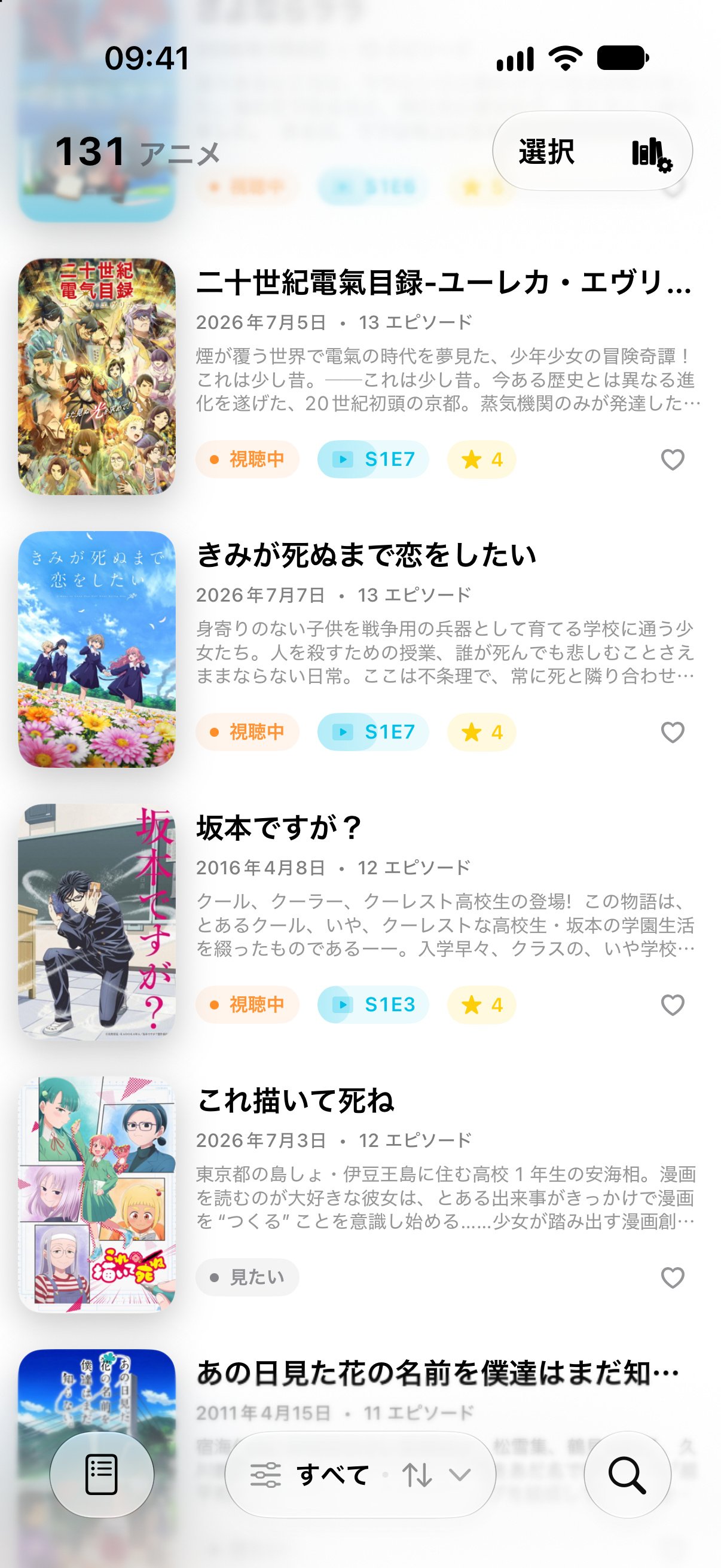
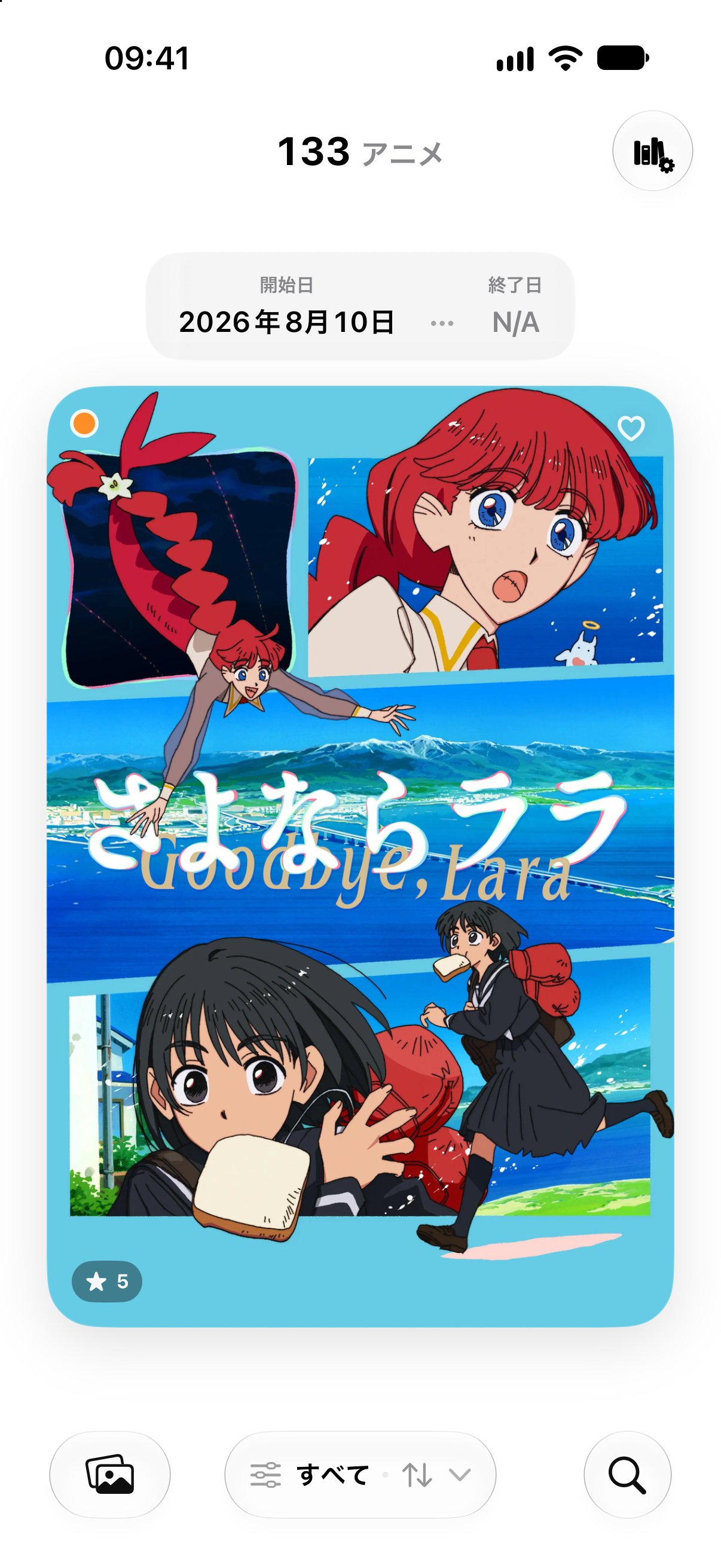
Search The Movie Database in English, Chinese, or Japanese. Add a whole series, a single season, or a film, or paste a list of titles and TMDb IDs to add them all at once.
Vol. 02Track
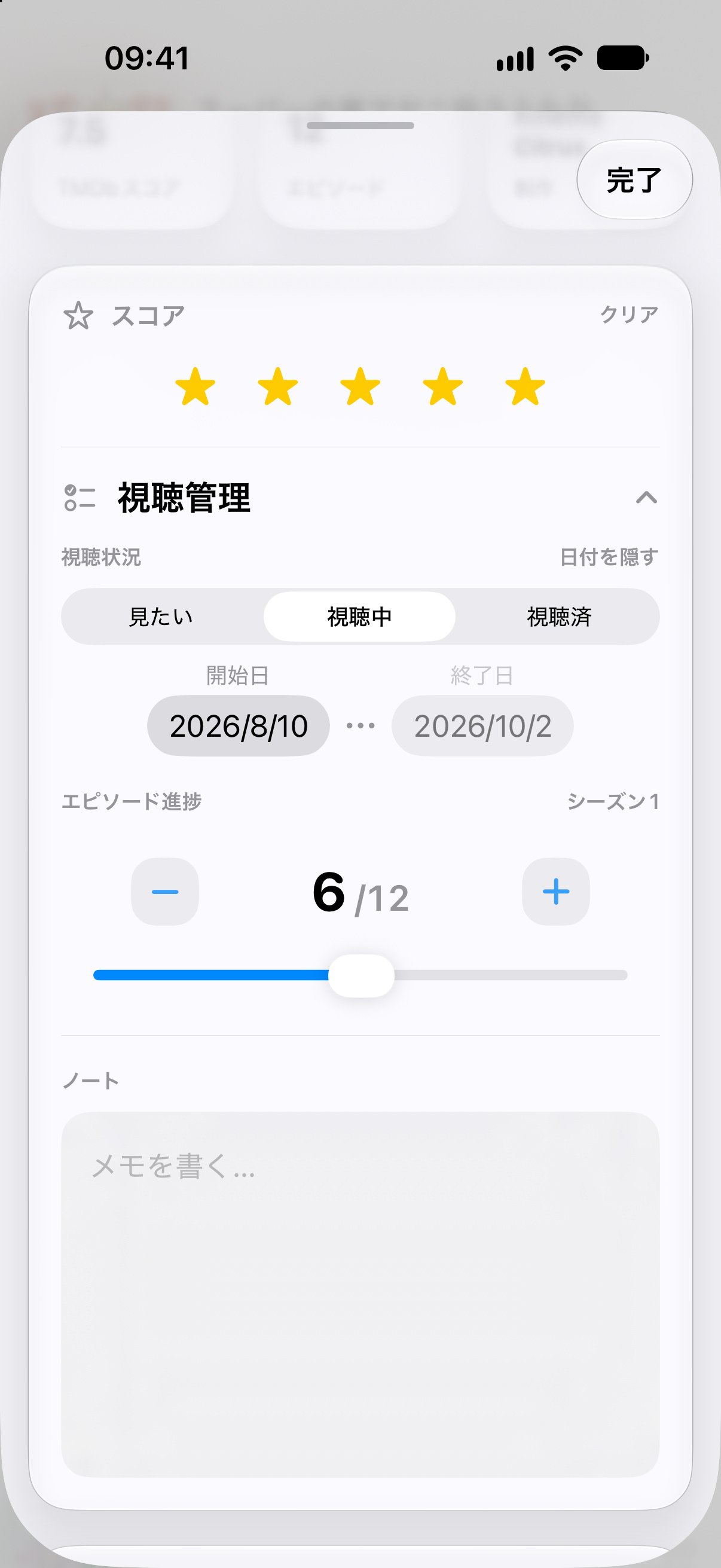
Every entry keeps its own watch status, start and finish dates, episode progress, score, and notes. Episode summaries, cast, and TMDb ratings are a tap away.
Vol. 03Remind
See broadcast times for currently airing shows, then turn on reminders. AniShelf schedules a notification for each new episode, early or right on time.
Broadcast schedules are provided by TVmaze where available.

Vol. 04Reflect
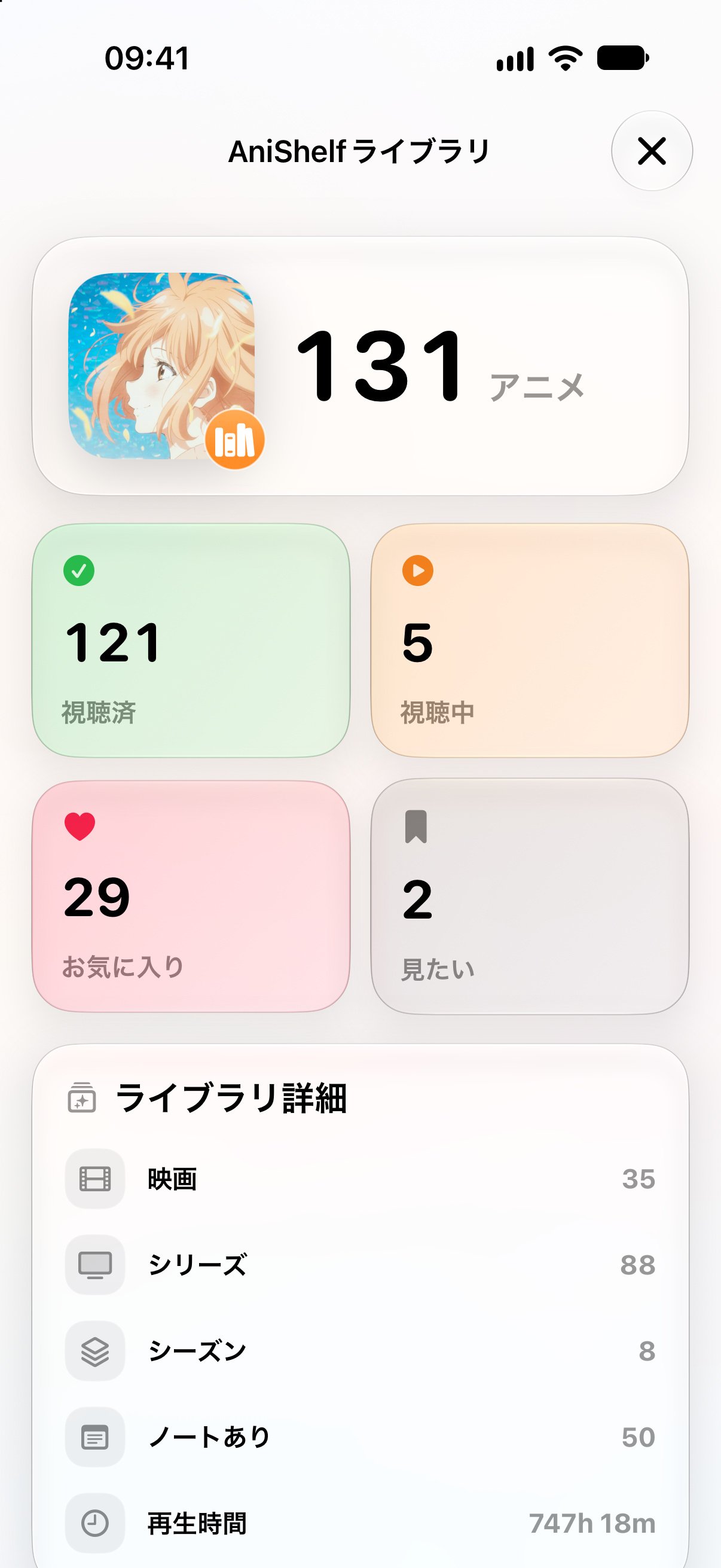
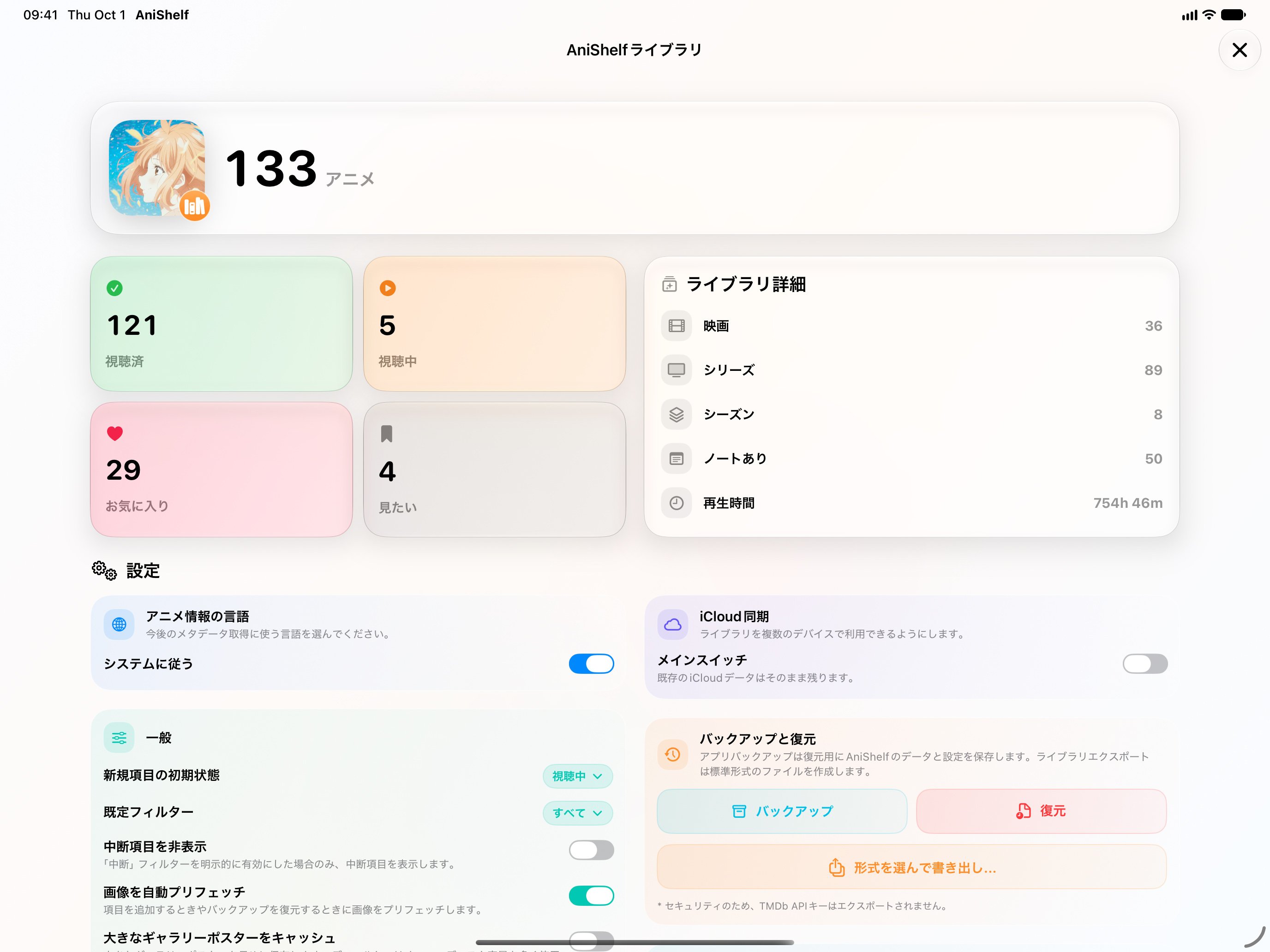
Library stats count what you’ve finished, what’s in progress, and what you love. It also breaks your library down into series, seasons, and films, with your total watch time.
Vol. 05Sync
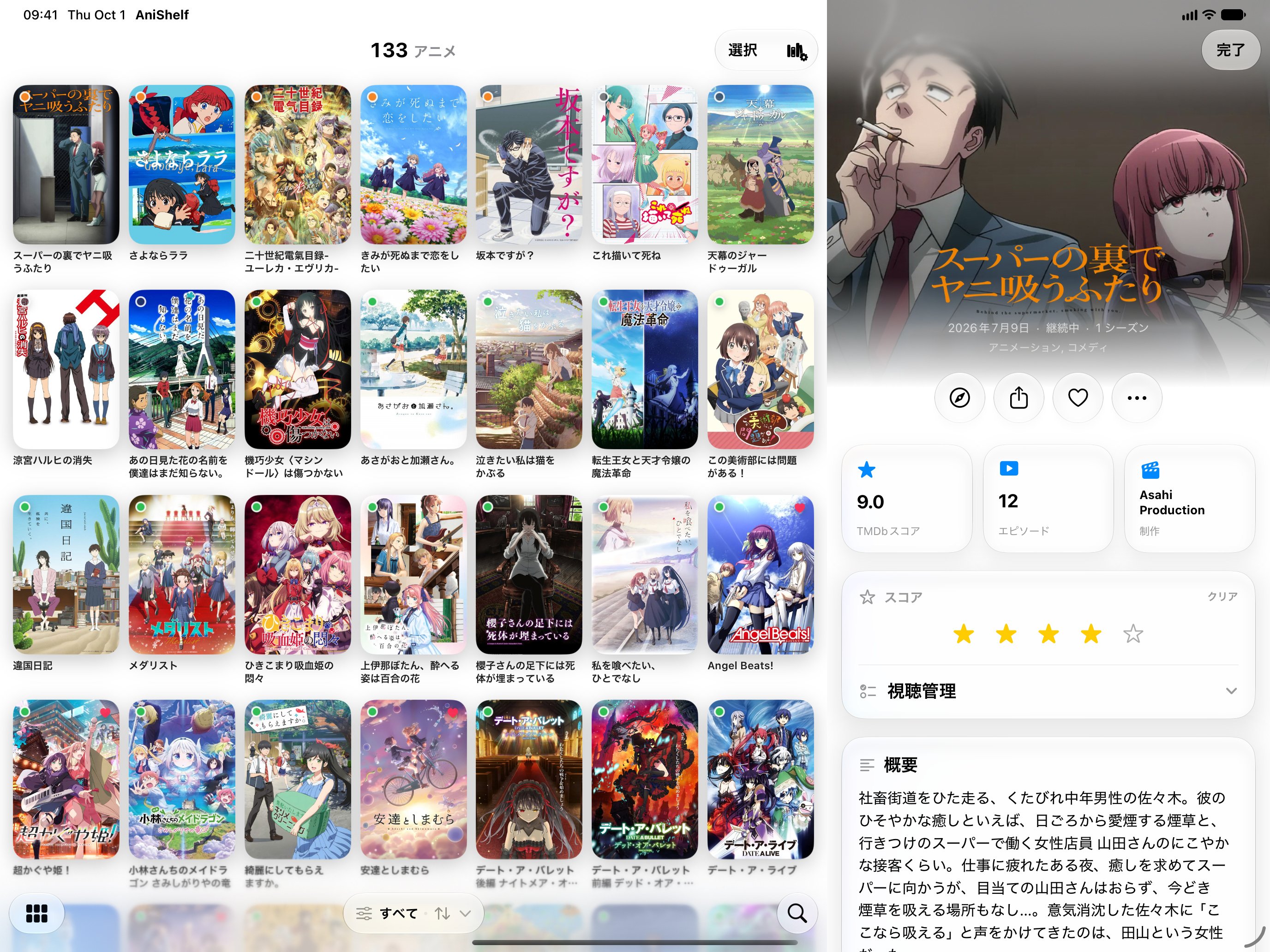
iCloud Sync keeps your library, progress, and preferences in step across iPhone, iPad, and Mac. On iPad and Mac, a side panel shows details right beside your library.
Vol. 06Terminal
anishelf-cli gives you the ani command: read-only access to your synced AniShelf library. List, search, summarize, and export it as JSON from any terminal.
Read-only by design. ani never writes back to your library.
Working with an AI agent? Point it to the anishelf-cli skill and it can set itself up.
Install with uv
uv tool install --python 3.13 git+https://github.com/samuelhe52/[email protected]# Sign in to your iCloud library
ani auth login
# Build the local snapshot
ani lib init
# What am I watching?
ani lib list -w watching --sort updated
# Score breakdown, as JSON
ani lib stats --json | jq '.scores'
AniShelf gets its anime data from The Movie Database. You enter your own API key once, and it’s free for personal use.
How to get a free keyAniShelf doesn’t stream or download anything. It’s for keeping track of what you watch, wherever you watch it.
No sign-up, no ads, no tracking. Your library lives on your device and, if you turn on sync, in your private iCloud.
The whole app is on GitHub under the Apache 2.0 license. Issues and pull requests are welcome.
View the source
Free on the App Store. Runs on iPhone and iPad with iOS 26 or later, and on Macs with Apple silicon running macOS 26 or later.